Stick Rivals / Play with friends
A Free Browser FPS to Play With Friends
Getting friends into a shooter usually means downloads, updates and everyone making an account. Stick Rivals needs none of that. It's a free FPS that runs in a browser tab, so you can send one link and all be playing within a minute.
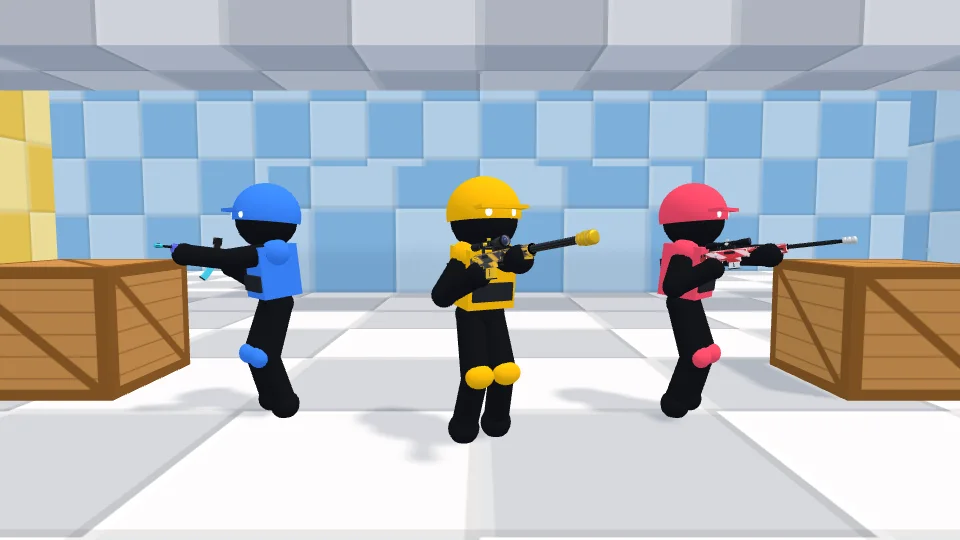 Create a room
How to set up a private room
- Open the game and choose Create a private room.
- Pick a mode, a map and the bot difficulty, then press Create room.
- Press Esc to open the pause menu, then copy your invite link.
- Send the link to your friends. They open it, press Join room and they're in.
Friends can also type your 5-character room code on the home page. A room stays open for about a minute after everyone leaves, so a quick refresh won't lose it.
What you can choose
Mode
- Team Deathmatch puts you on a team, Cyan or Red. The first team to 50 kills wins.
- Free For All is every player for themselves. The first to 25 kills wins.
- Gun Game is a race through five weapons.
Map
Checker has bright rooftops, bridges and a central tower. Sandstone is a long desert street with watchtowers and alleys.
Bots
Choose easy, normal or hard bots, and they'll fill the room up to 6 players. They step aside as your friends join. If it's just the two of you and you'd like a proper 1v1 duel, choose No bots.
Good to know
- Room size: up to 10 people can play in one room.
- Devices: everyone needs a computer with a keyboard and mouse. Phones and tablets aren't supported yet.
- Accounts: there aren't any. Each player just types a name.
- Cost: Stick Rivals is free to play.
Before you start, your friends may want a quick look at how to play.
Play with friends